Started Cal Newport's Deep Work this week. #books
☑ Return library books ☐ Replace brake pads ☐ Back up the NAS #homelab
sudo lsof -i :5230 — which process holds the port #dev
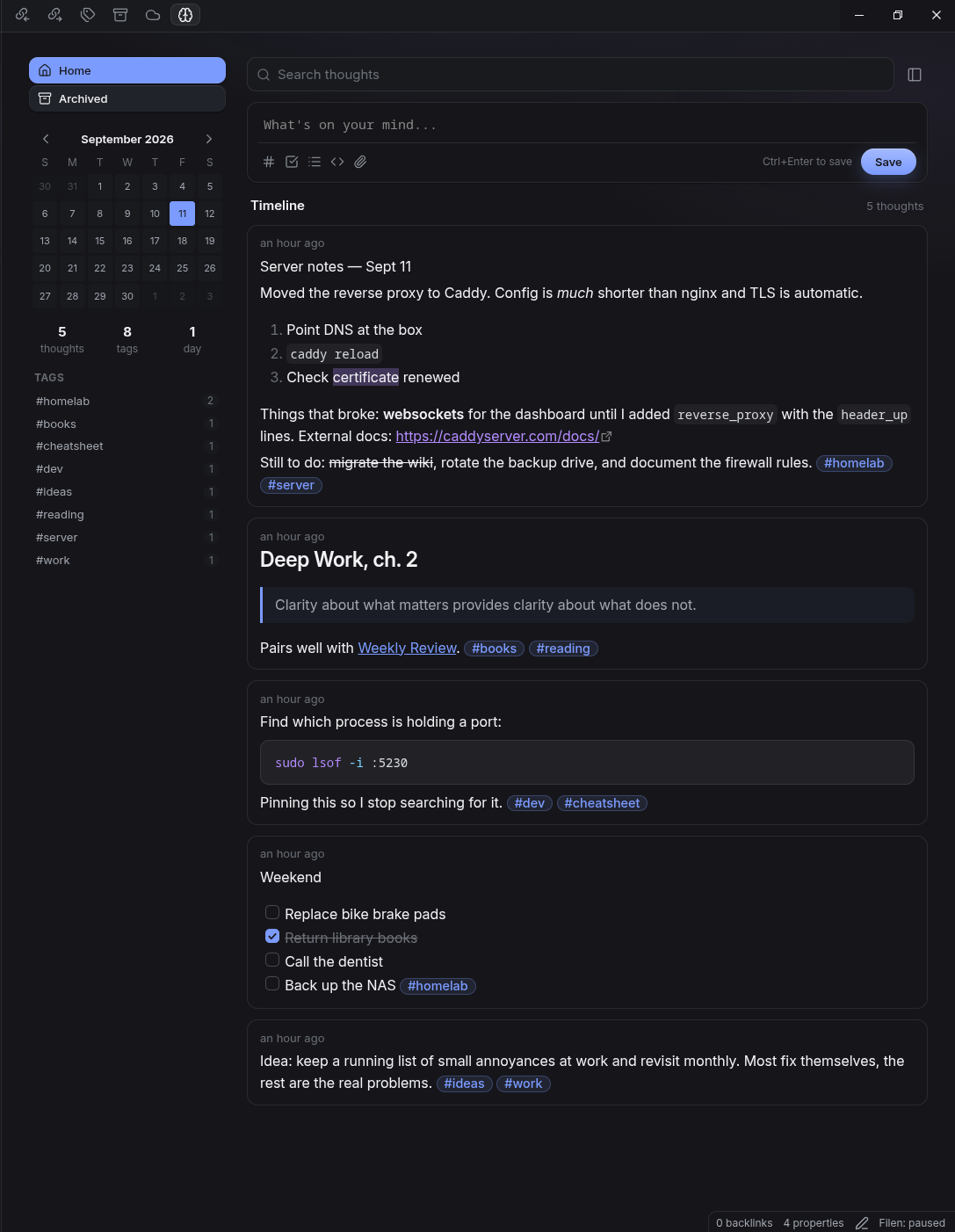
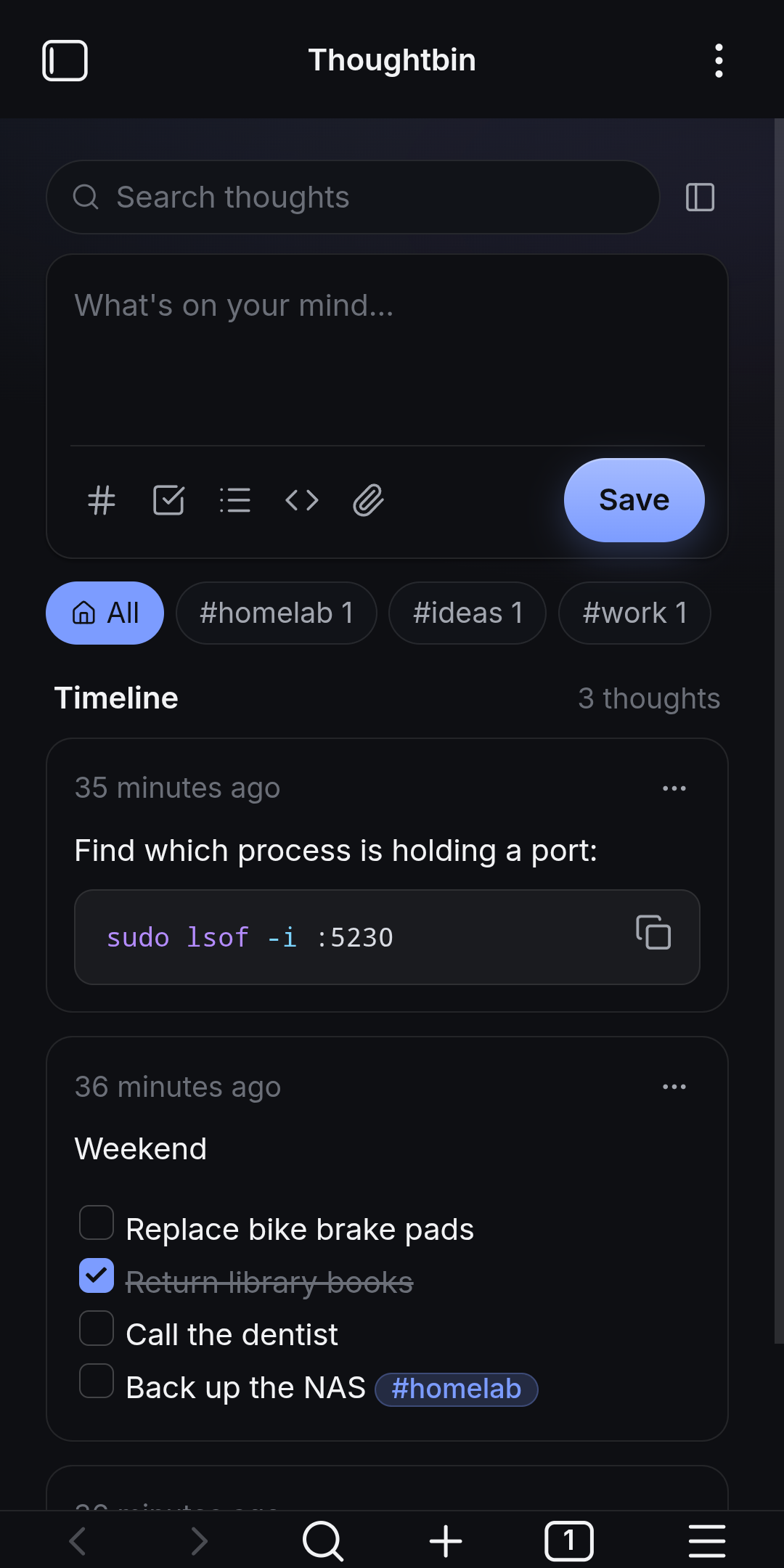
Thoughtbin is a Memos-style timeline inside Obsidian. Type, save, and it's a plain Markdown note in your vault — with tags, pins, checkboxes and search on top.
The timeline is the whole interface. Everything else is Obsidian doing what it already does.
Headings, lists, checkboxes, code and links render as you type. [[ and # autocomplete from your vault; Ctrl+B, I and K work.
Obsidian's own renderer, so embeds, callouts, math and Mermaid all work. Tick checkboxes and open links right in the card.
Click a tag to filter. Pin the ones you keep reaching for. Archive the rest without deleting anything.
A month view shaded by how much you wrote. Click a day to see just those thoughts.
Paste or drop images and files; they're saved to your vault and embedded in the thought.
A quick-capture popup, a "save selection as thought" command, and a hotkey that jumps straight to the composer.
The sidebar sits beside the timeline on desktop. On phones it slides in from the left and tags become a strip above the feed.


Three files and a toggle. No build step, no account, no network.
main.js, styles.css and manifest.json from the latest release..obsidian/plugins/thoughtbin/ inside your vault.Real-Fruit-Snacks/obsidian-Thoughtbin in BRAT.Each thought is one Markdown file in the folder you choose:
---
created: 2026-09-11T12:50:03-05:00
updated: 2026-09-11T12:50:03-05:00
pinned: true
archived: false
---
Find which process is holding a port:
```bash
sudo lsof -i :5230
```
Pinning this so I stop searching for it. #dev #cheatsheet
Grouped under Storage, Composer, Timeline and Layout in Obsidian's settings.
| Setting | What it does |
|---|---|
| Thoughtbin folder | Where thoughts are stored. Default Thoughtbin/. |
| Attachments folder | Where pasted or dropped files go. Default Thoughtbin/attachments/. |
| Default code block language | Inserted after the opening ``` when you use the code button. |
| Save with Enter | Enter saves and Shift+Enter adds a line. Off: Ctrl/Cmd+Enter saves. |
| Composer template | Text pre-filled for every new thought, e.g. #inbox. |
| Sort order, pinned on top | Newest or oldest first; keep pinned thoughts at the top. |
| Time display, date format | Relative ("3 hours ago") or absolute, with a custom format. |
| Collapse long thoughts | Maximum height before a "Show more" button appears. |
| Open timeline in | Main area, or the left or right side panel. |
| Command | What it does |
|---|---|
| Open timeline | Opens or reveals the Thoughtbin view. |
| Quick capture | Popup composer that saves a new thought. |
| Save selection as thought | Saves the current editor selection as a thought. |
| Focus composer | Opens the timeline and puts the cursor in the composer. |
Same site, a different glow per project.