amazon-order-sync

Syncs your Amazon orders into local Markdown notes

Amazon’s order history is a slow, paged website. This keeps a copy of it on your computer: one Markdown file per order, filed by month, with the product images saved next to them.

Orders/2026/10-October

Order #112-4418203-6650917
Order placedOctober 13, 2026
Total$58.47
StatusDelivered October 15
Ship toRobin Park
2 items
  1. Clamp-On LED Desk Lamp, DimmableLumenwell · $41.99 · B0DLMP4207No review yet
  2. Braided USB-C Cable, 6 ft, 2-PackCorda · $16.48 · B0DCBL6062Review posted, 4 of 5

Orders/2026/10-October/Order-112-4418203-6650917.mdSaved

---
type: order
order_id: "112-4418203-6650917"
date: "October 13, 2026"
total: "$58.47"
status: "Delivered October 15"
ship_to: "Robin Park"
brand: ["Lumenwell", "Corda"]
price: ["$41.99", "$16.48"]
asin: ["B0DLMP4207", "B0DCBL6062"]
url: ["https://www.amazon.com/dp/B0DLMP4207", "https://www.amazon.com/dp/B0DCBL6062"]
reviewed: [false, true]
rating: ["", "4"]
---
# Order 112-4418203-6650917

**Order Date:** October 13, 2026
**Total:** $58.47
**Status:** Delivered October 15
**Ship To:** Robin Park

---

## 📦 Items

### Clamp-On LED Desk Lamp, Dimmable

![image](assets/B0DLMP4207.jpg)

#### Features
Clamps to desks up to 2.4 in thick
- 5 brightness levels, 3 color temperatures
- USB-C powered

#### 📝 My Review
[✍️ Leave a Review on Amazon](https://www.amazon.com/review/create-review?asin=B0DLMP4207)

> *Write your review for this item below...*
**Rating:** 
**Review:** 
- [ ] Posted to Amazon?

---

### Braided USB-C Cable, 6 ft, 2-Pack

![image](assets/B0DCBL6062.jpg)

#### Features
Nylon braid, aluminum ends
- 60 W charging

#### 📝 My Review
[✍️ Leave a Review on Amazon](https://www.amazon.com/review/create-review?asin=B0DCBL6062)

**Title:** Long enough to reach the sofa
**Review:** Both still work after three months of being stepped on. The ends are a little bulky for my phone case.
- [x] Posted to Amazon?

---
A simulation with three made-up orders. Each note is what the server wrote for that order, unedited: docs/samples.

Install

PowerShell. Installs the tray app and starts it with Windows.

$zip = "$env:TEMP\amazon-order-sync-windows.zip"Invoke-WebRequest https://github.com/Real-Fruit-Snacks/amazon-order-sync/releases/latest/download/amazon-order-sync-windows.zip -OutFile $zipExpand-Archive $zip "$env:LOCALAPPDATA\Programs\amazon-order-sync" -ForceSet-ExecutionPolicy -Scope Process Bypass; & "$env:LOCALAPPDATA\Programs\amazon-order-sync\install.ps1"
  1. Open brave://extensions (or chrome://, edge://), turn on Developer mode, choose Load unpacked and pick the browser-extension folder the installer prints.
  2. Open your Amazon order history and press Sync Current Page in the extension.

One file per order

The server files each order as Order-<order number>.md under Orders/<year>/<month>/ in your notes folder, which is ~/AmazonOrders unless you set notesPath. Product images go in Orders/assets/, named by ASIN.

The frontmatter is plain YAML with one array per field, in item order: the second brand, price and ASIN belong to the second item. Each item gets a review section with a Posted to Amazon? box.

Syncing an order again rewrites its details and keeps what you wrote: a review typed under the placeholder, a draft you saved, a box you ticked.

  • ~/AmazonOrders/Orders/
  • 2026/08-August/Order-114-6203318-0071592.md
  • 2026/09-September/Order-113-0927751-3104428.md
  • 2026/10-October/Order-112-4418203-6650917.md
  • assets/B0DCBL6062.jpgB0DLMP4207.jpgB0DNTB2213.jpgB0DSKL1035.jpg
Every file the server wrote for the three made-up orders above (files.txt).

What’s in it

Everything runs on your computer. Nothing goes to any other server unless you add a Gemini key for review drafts.

NumberPartWhat it does
01Local serverserver/One Node.js file with no npm dependencies, on 127.0.0.1:27483. Writes the notes, caches the images, and serves the dashboard and the HTTP API.
02Browser extensionbrowser-extension/Reads your Amazon order pages and sends them to the server: Sync Current Page, or Auto-Sync All Pages from its popup. Fills Amazon’s review form from a draft you saved, for you to check and post.
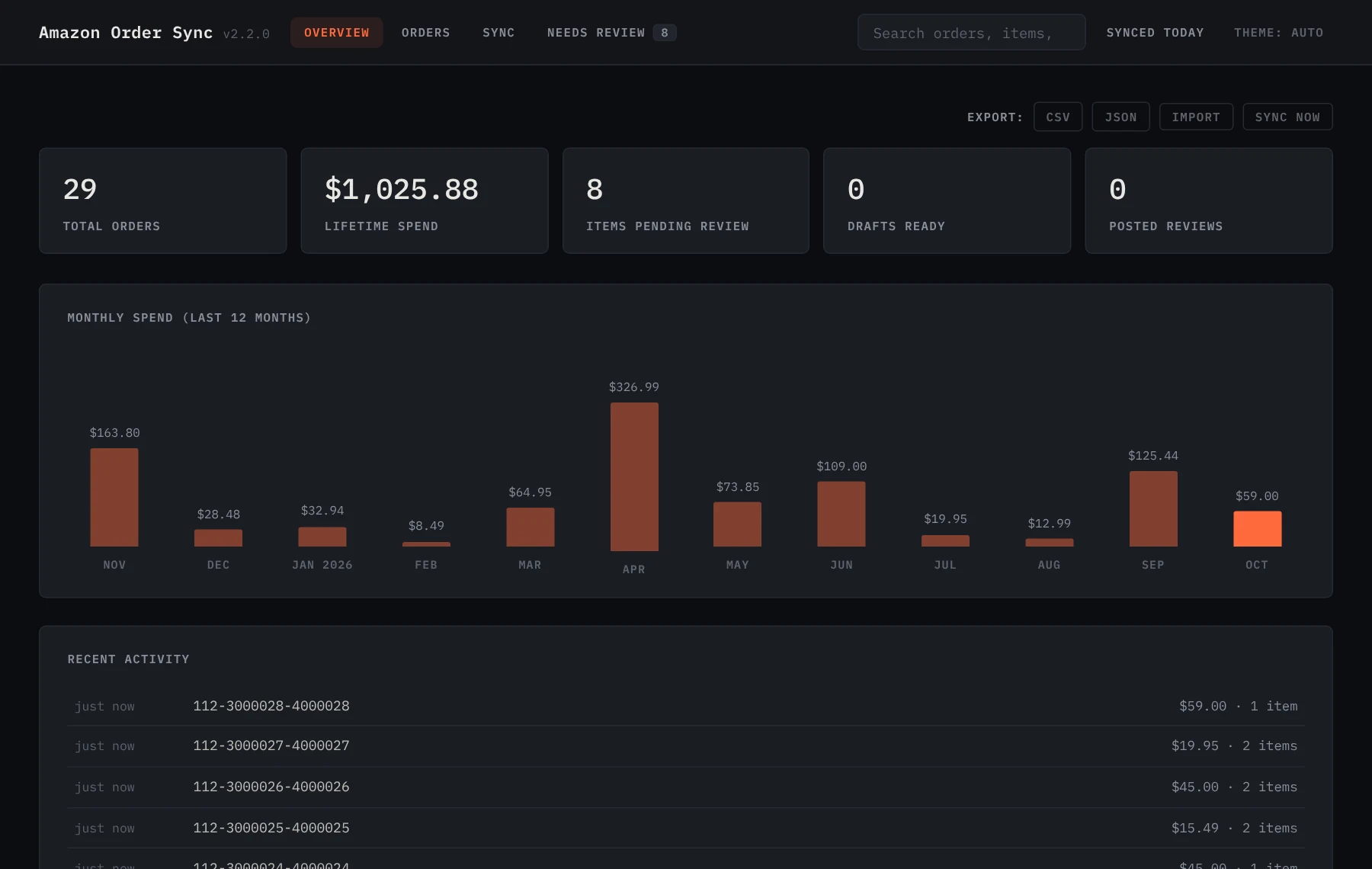
03Dashboard127.0.0.1:27483Spend by month, every order searchable, price drops on things you bought, repeat purchases, review drafts, sync status, CSV and JSON export, and an import for Amazon’s “Request My Data” export.
04Headless syncautoSyncEnabledAfter a one-time login, the server runs your browser headless with the real extension on a schedule. No cookie scraping and no browser window.
05Tray apptray/ · WindowsStarts the server hidden, shows notifications, and has a menu for sync, login, the notes folder, the config and the logs. On Linux a systemd user service does the same job.
06Review draftsgeminiApiKeyOptional. With a Gemini key, the server drafts a review per item for you to rewrite in your own words. You post it yourself.

The dashboard

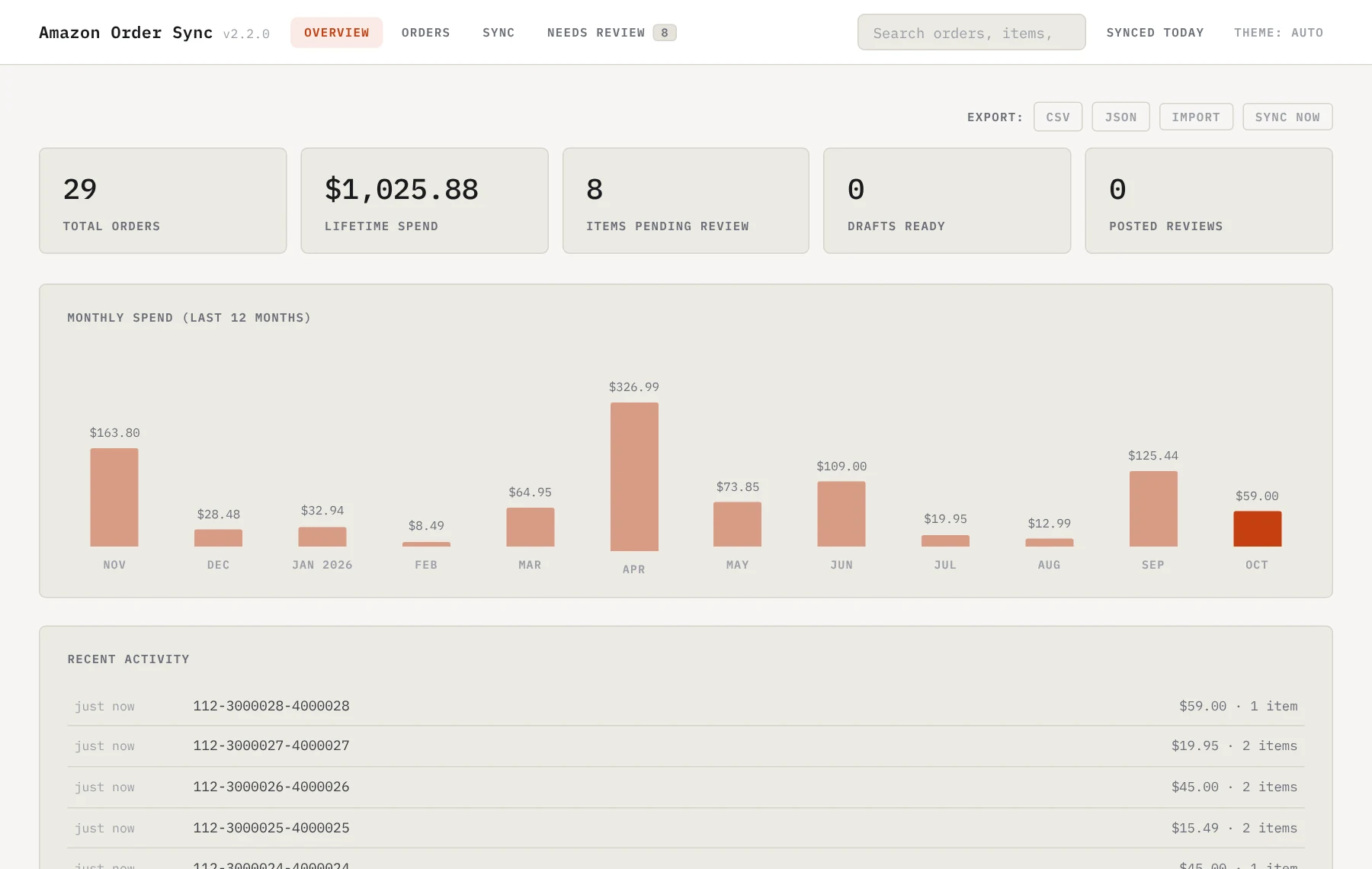
The dashboard’s Overview tab: order count, lifetime spend, review counts, a monthly spend chart and recent orders The dashboard’s Overview tab: order count, lifetime spend, review counts, a monthly spend chart and recent orders
Overview. Totals, spend for the last 12 months, and CSV or JSON export of every order.
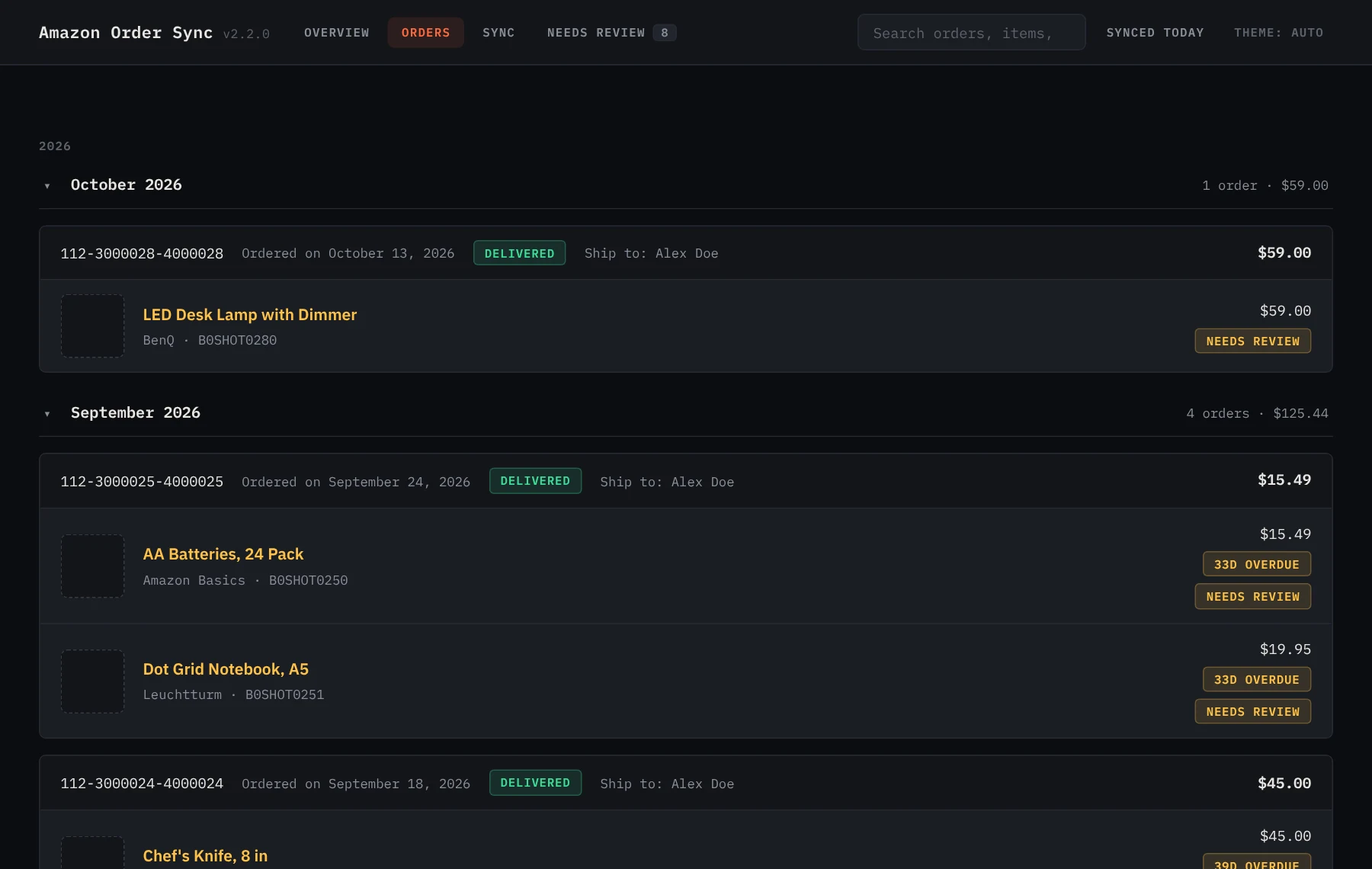
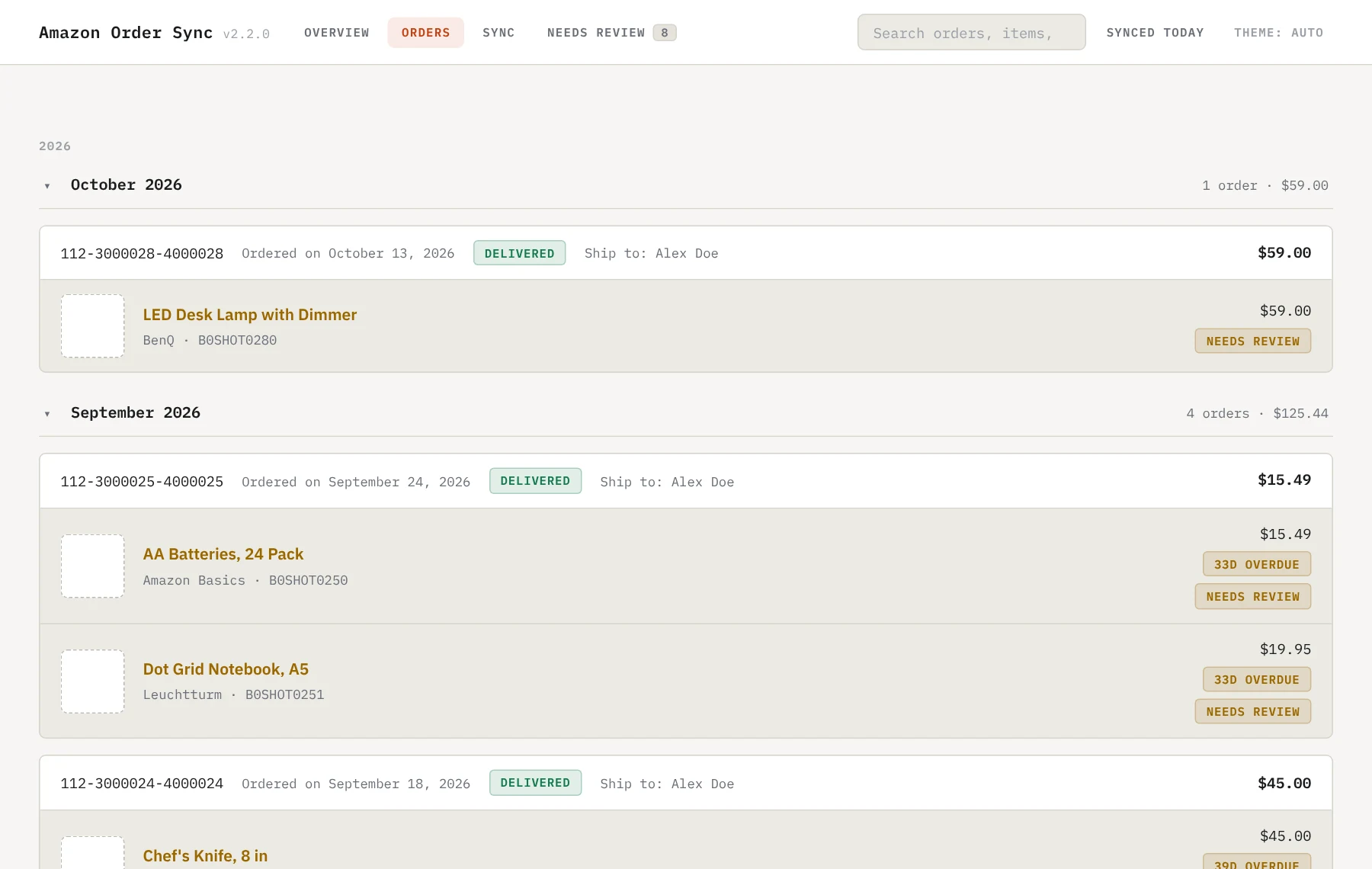
The Orders tab: orders grouped by month with status, ship-to, items and review state The Orders tab: orders grouped by month with status, ship-to, items and review state
Orders. Grouped by year and month, with status, items and review state. Press / to search.

Both screens show made-up orders.

What leaves your computer

Stays here

Your orders, the notes, the images, the config, and the headless browser profile with your signed-in Amazon session. Delete that profile to sign out.

Sent to Gemini, only if you add a key

For each draft: the product’s name, brand and listing features, up to three public reviews of it, and up to three of your own posted reviews as style samples. Never your order numbers, prices or address.

  • The server binds 127.0.0.1 and refuses any request not addressed to 127.0.0.1 or localhost on its port, which stops DNS rebinding.
  • It answers only its own dashboard, its own extension (a fixed ID) and local tools without an Origin. Scripts on Amazon pages and other websites get 403.
  • Product images are fetched over http(s) only, must be real image types, and are capped at 5 MB.

config.json

%APPDATA%\amazon-order-sync\ on Windows, ~/.config/amazon-order-sync/ on Linux, or set AMAZON_SYNC_CONFIG. The installer creates it and never overwrites it. Every key is in the guide.

KeyDefault
notesPath~/AmazonOrders: the notes and images
port27483. The extension expects it; change both or neither
autoSyncEnabledfalse. Headless sync every autoSyncIntervalHours (24)
browserPathAutodetect. Brave, Edge and Chromium are tried before Chrome
geminiApiKeyEmpty. A key turns on review drafts; GEMINI_API_KEY also works

Tested on

  • Windows with Brave and the tray app: the maintainer’s own setup, daily.
  • CI on every push: server tests on Ubuntu (Node.js 18 and 22) and Windows (Node.js 22), a tray app build, and the installers checked with Windows PowerShell 5.1, PSScriptAnalyzer and shellcheck.
  • Not tested: macOS, Firefox, and Amazon sites other than amazon.com in day-to-day use.

Known issues

  • Google Chrome ignores --load-extension since version 137, so headless sync needs Brave, Edge or Chromium. Manual sync works in Chrome.
  • The extension reads Amazon’s pages as they are today. When Amazon changes them, sync or auto-fill can break until the extension is updated.
  • Each item in a note ends with a --- line. If you edit a note by hand, don’t add one inside a review; the dashboard’s editor writes one as - - -.