$ terminal-workbench
A modern terminal-inspired theme for Obsidian. Not retro green-on-black nostalgia — a calm, dense, high-contrast working surface: graphite backgrounds, crisp typography, restrained ANSI-style accents, and readable code in both dark and light modes.
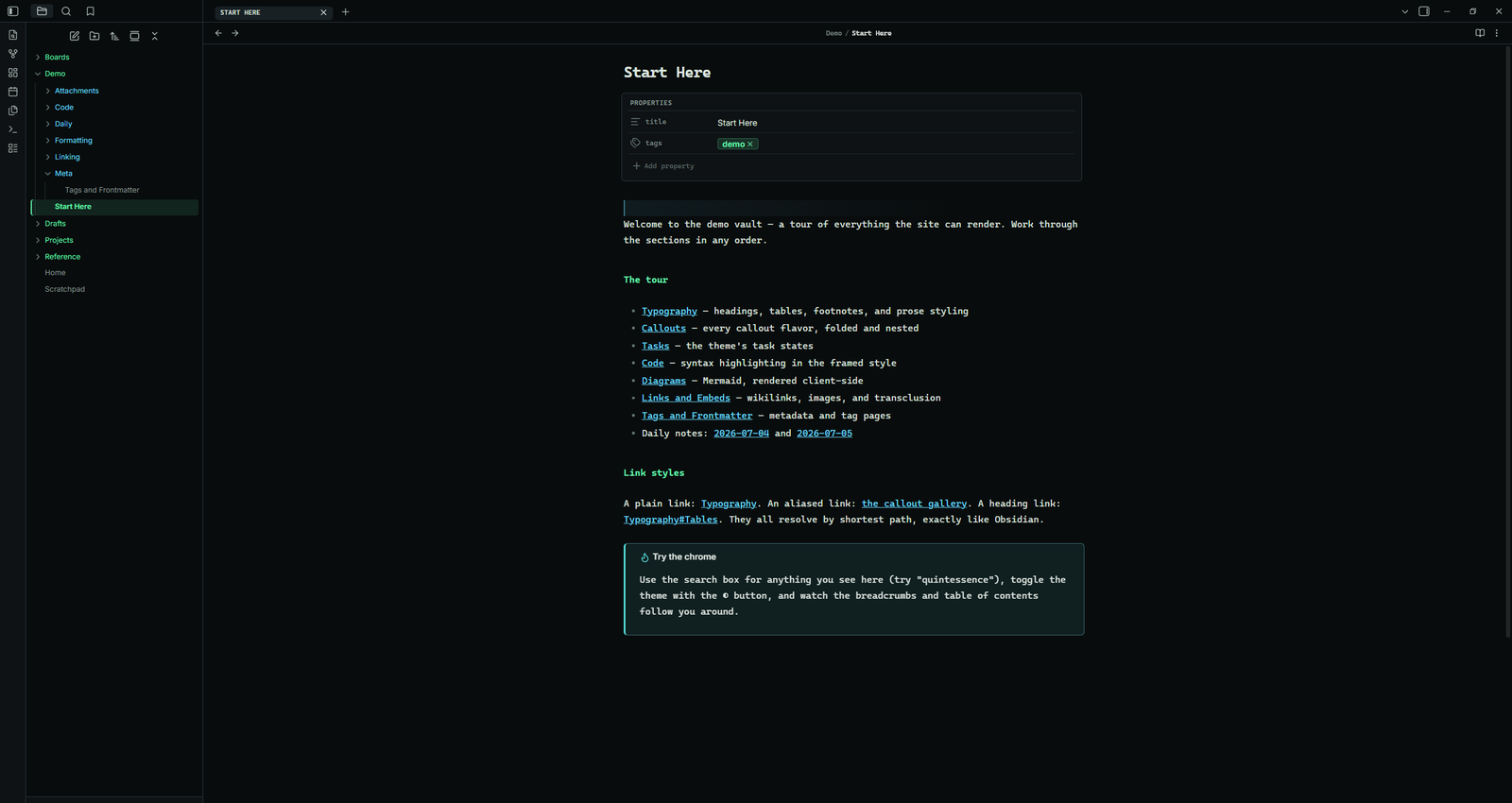
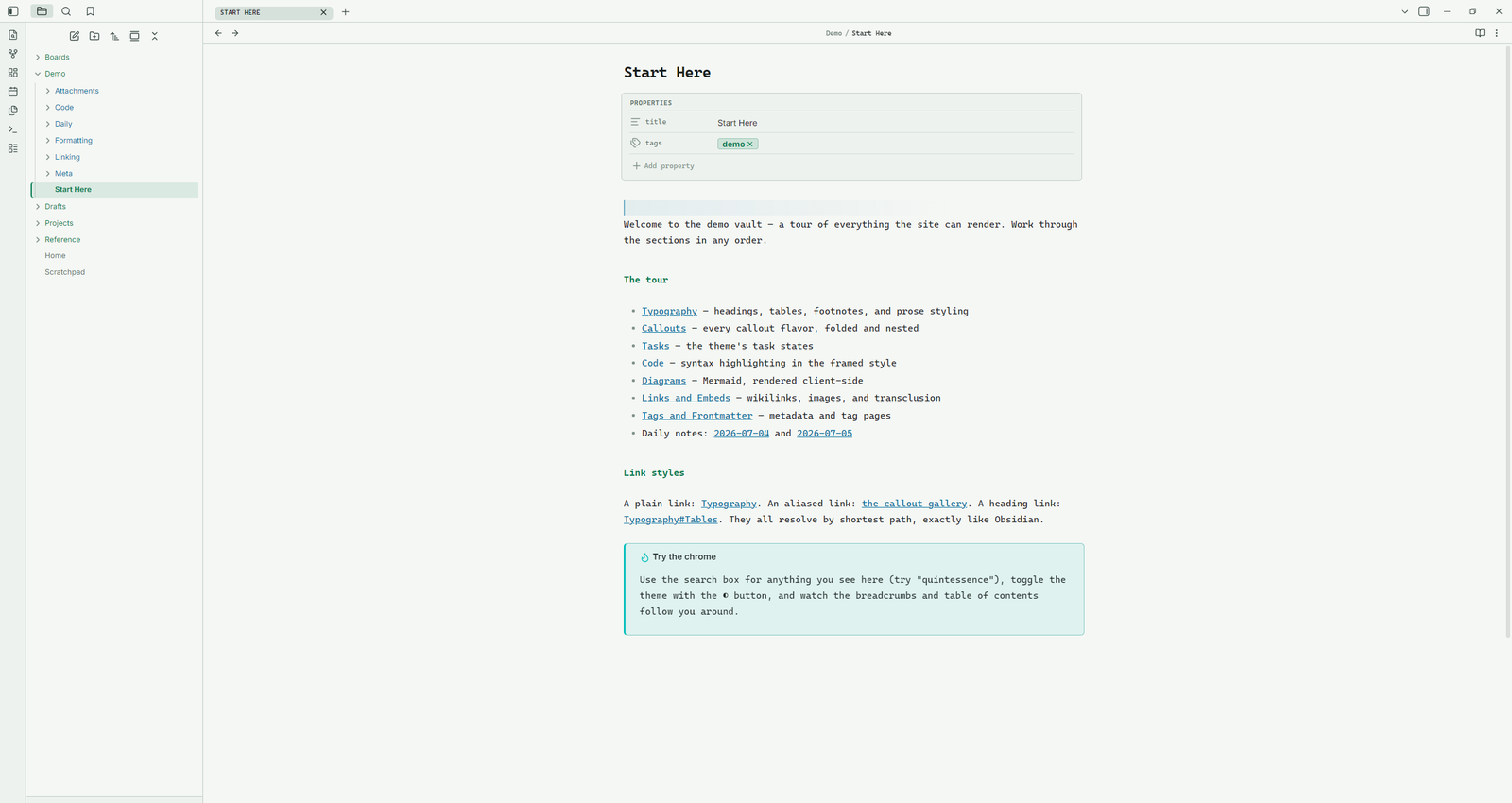
The same vault in both palettes — use the light mode switch above to compare.
Every surface, considered
Real captures from Obsidian, not mockups. Each piece of the reading experience gets deliberate, restrained styling.
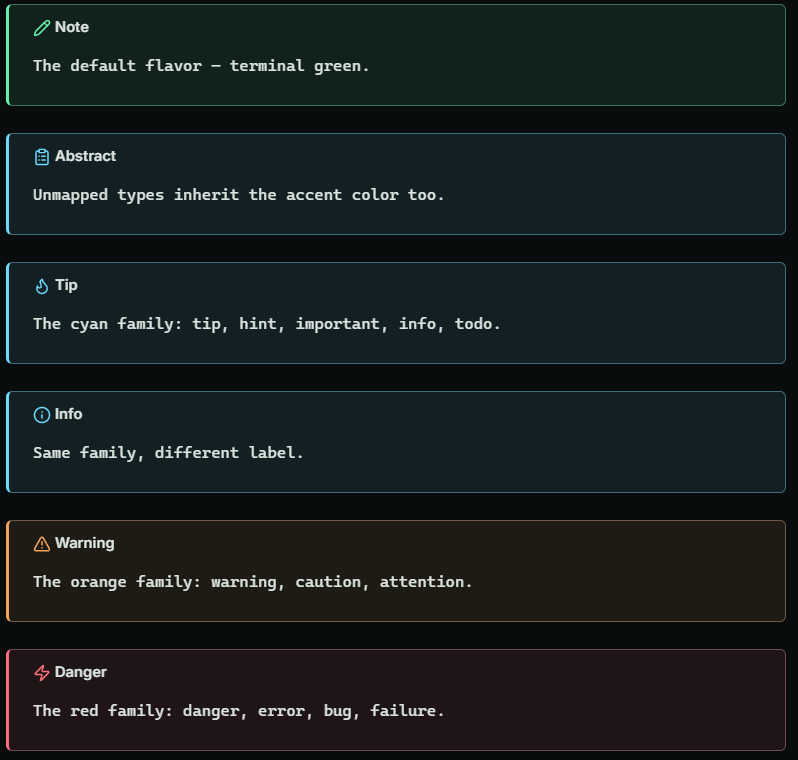
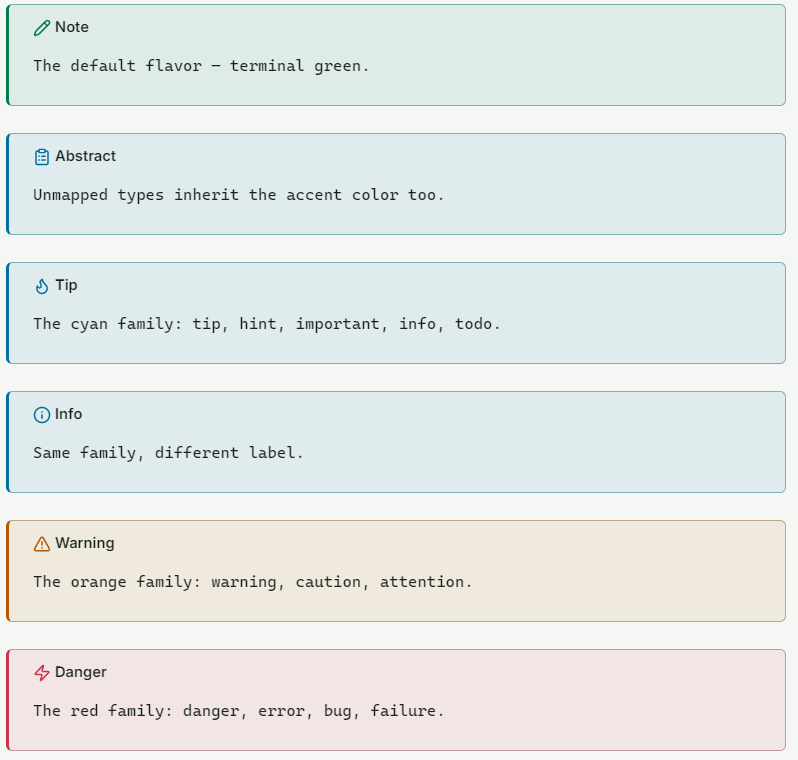
The whole family, each with a three-pixel top bar, a tinted fill, and the monospace manifest-label title. Unmapped types inherit the accent.
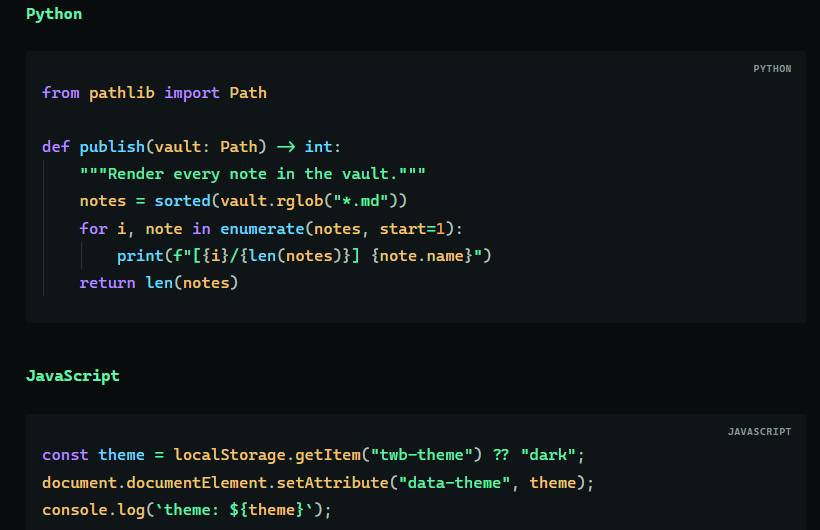
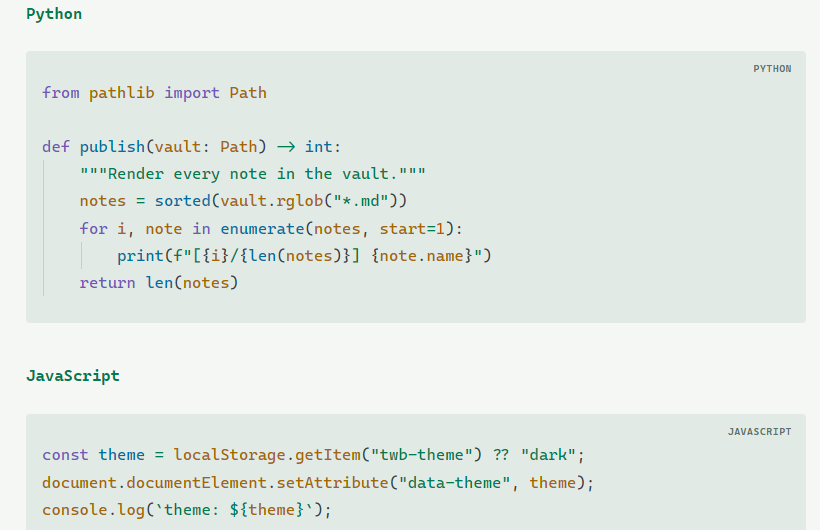
A header band with a language label, framed consistently across editing and reading views.
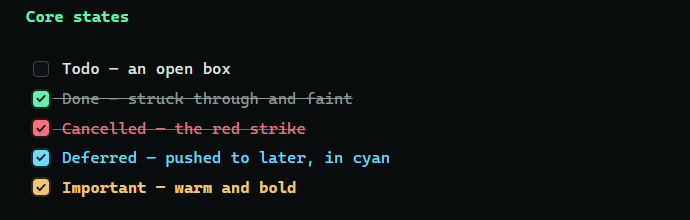
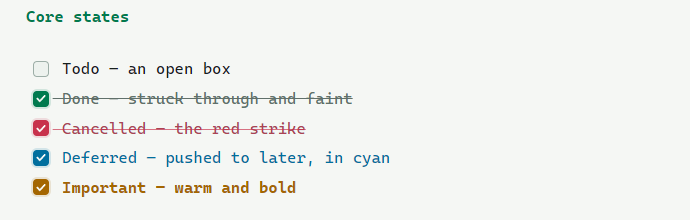
Done, cancelled, deferred, and important each get a distinct checkbox color and text treatment.
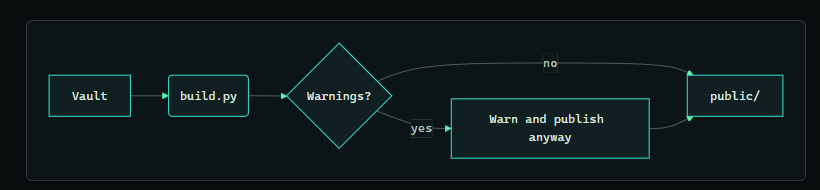
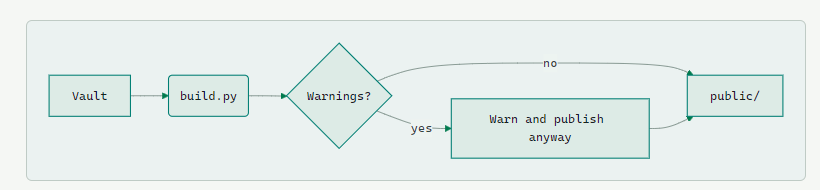
Mermaid flowchart, state, sequence, and class diagrams recolored to the theme palette.
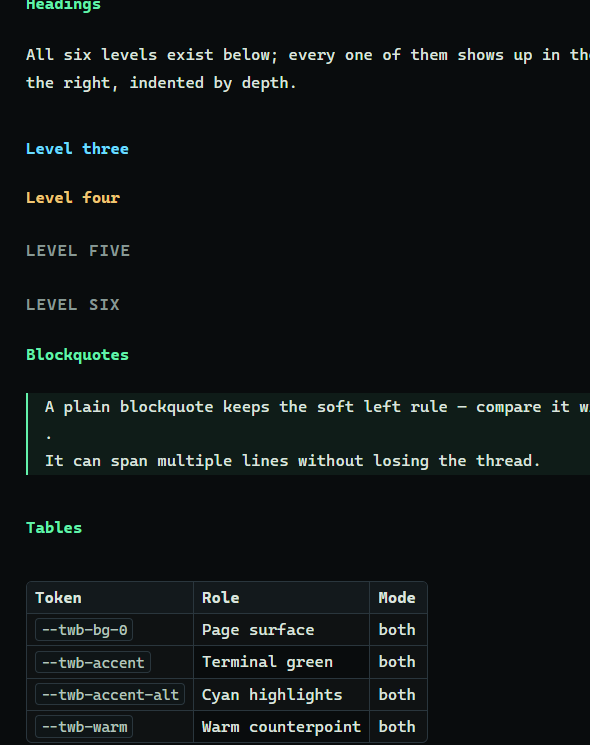
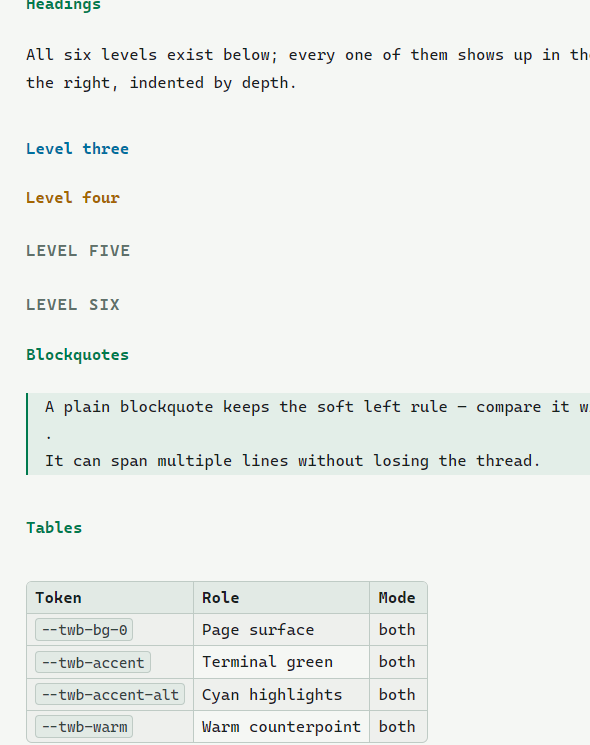
A colored heading hierarchy, hairline-framed tables, and prose tuned for long reading sessions.
Two deliberate modes
Dark and light are separate palettes, not an inversion. These swatches come from the theme's actual tokens and follow the toggle.
Built to get out of the way
Opinionated where it counts, quiet everywhere else — and it composes with your existing Obsidian setup instead of fighting it.
Monospace micro-labels unify properties, code headers, tab titles, and breadcrumbs into one system.
Optional per-folder coloring: each top-level folder takes one of six palette colors and passes it down to everything inside, so folders read at a glance. All six colors and the file-name color are configurable.
Your accent color, interface / text / monospace fonts, and font size all flow through instead of being overridden.
Accents per mode, fonts, line width, radius, tag shape, line height, compact mode, and per-feature toggles.
Decorative bands and glyphs are stripped from PDF export, leaving clean printed pages.
CSS only, no network requests, no scripts — compliant with Obsidian's developer policies.
Two ways in
- In Obsidian:
Settings → Appearance → Themes → Manage, then searchTerminal Workbenchand select Install and use. - Or manually: copy
theme.cssandmanifest.jsonfrom the latest release into.obsidian/themes/Terminal Workbench/. - Requires Obsidian
1.5.0or newer. For the tuning options, install the Style Settings plugin.