

rfs-brand
RFS brand, profile art and repo templates
Plex Sans
Plex Mono
Real tools. No filler.
- Ember
#FF6A3D#C03B0A - Amber
#FFC247#925F00 - Mint
#3DDC97#15794D - Raspberry
#F06292#B0306A
Get the kit
Each release has the whole kit as one zip, plus the two token files on their own. These links always point at the latest release.
-
rfs-brand.zipThe guide, every asset, the tokens, the generators and the repo templatescurl -LO https://github.com/Real-Fruit-Snacks/rfs-brand/releases/latest/download/rfs-brand.zip -
rfs.cssCSS variables: both themes, the fonts, space and motioncurl -LO https://github.com/Real-Fruit-Snacks/rfs-brand/releases/latest/download/rfs.css -
rfs.tokens.jsonThe same tokens as JSON, with the type scale and radiicurl -LO https://github.com/Real-Fruit-Snacks/rfs-brand/releases/latest/download/rfs.tokens.json
Colour
Two themes with the same structure and the same hues. Nightshift is the default; Dayshift is derived from it, with values shifted until every text colour passes WCAG AA (4.5:1) on bg, surface and raised. The accent is Ember.
| Token | Nightshift | Dayshift | Rule |
|---|---|---|---|
bg | #0C0D10 | #F6F5F2 | Page. Never pure black or pure white. |
surface | #13151A | #FFFFFF | Cards, panels. One step up from bg. |
raised | #1A1D24 | #ECEAE4 | Inputs, chips, nested cards. |
line | #262A33 | #D6D3CB | Dividers and decorative borders. Borders replace shadows. |
line-strongnew in 1.2.0 | #636872 | #89867F | Inputs and any border that identifies a control. At least 3:1 against bg, surface and raised, which line is not. |
text | #E8E6E1 | #1A1B1E | Body. Never #FFF for body copy. |
mute | #8A8F99 | #666A73was #6B6F78 | Secondary text, captions. |
primaryEmber | #FF6A3D | #C03B0Awas #C43F11 | The brand. One per screen. Glow in Nightshift only. |
primary-hovernew in 1.3.0 | #FC7951 | #AC370C | Ember on hover: 12% of text mixed in, so it moves away from on-primary. 7.4:1 and 6.4:1. |
primary-pressnew in 1.3.0 | #F98864 | #98330F | Ember while pressed: 24% of text. 8.1:1 and 7.5:1. |
on-primarynew in 1.2.0 | #0C0D10 | #FFFFFF | Text and icons on Ember fills. Dark in Nightshift, because white on Ember is only 2.9:1. |
accentAmber | #FFC247 | #925F00was #9A6700 | Warnings, a second category, prompts. |
signalMint | #3DDC97 | #15794Dwas #167A4E | Success, running. Only ever means OK. |
faultRaspberrynew in 1.2.0 | #F06292 | #B0306A | Errors and failures. Only ever means failed. Raspberry, not red, so it can't be mistaken for Ember. |
code-bg | #070809 | #FFFFFF | Code blocks. One step darker than bg in Nightshift; surface white in Dayshift. |
Every text colour, on every surface
Measured contrast, both themes. AA asks for 4.5:1 for text and 3:1 for control borders. Before 1.2.0, Dayshift Amber measured 4.46:1 on bg, and mute, Ember, Amber and Mint all fell short on raised. Each moved a few steps darker. Nightshift didn't change.
| Colour | bg | surface | raised |
|---|---|---|---|
| text | Aa15.58 | Aa14.64 | Aa13.52 |
| mute | Aa5.99 | Aa5.63 | Aa5.20 |
| Ember | Aa6.83 | Aa6.42 | Aa5.93 |
| Amber | Aa12.08 | Aa11.36 | Aa10.49 |
| Mint | Aa11.00 | Aa10.33 | Aa9.54 |
| Raspberry | Aa6.35 | Aa5.97 | Aa5.52 |
| line-strong |
on-primary 6.83:1 on Ember. White would be 2.85:1.
| Colour | bg | surface | raised |
|---|---|---|---|
| text | Aa15.80 | Aa17.22 | Aa14.31 |
| mute | Aa4.97 | Aa5.42 | Aa4.51 |
| Ember | Aa4.98 | Aa5.42 | Aa4.51 |
| Amber | Aa4.99 | Aa5.44 | Aa4.52 |
| Mint | Aa4.97 | Aa5.42 | Aa4.51 |
| Raspberry | Aa5.54 | Aa6.04 | Aa5.02 |
| line-strong |
on-primary 5.42:1 on Ember.
- Ember
- The brand, once per screen. Glow in Nightshift only. Never for errors.
- Mint and Raspberry
- Status, not decoration. Mint only ever means OK; Raspberry only ever means failed.
- A word with every status
- Pair the colour with
ok,warnorfail, or a line that says what happened. To red–green colour-blind readers, Dayshift Ember and Amber look the same, and Mint and Raspberry come close. - Focus
- A 2px Ember outline with a 3px offset on every focusable element. Press Tab on this page to see it.
- Never
- Gradients, or a third accent.
Type
IBM Plex Sans for UI and prose, IBM Plex Mono for code, labels and the wordmark: one superfamily, so prose and code look designed together. Both are under the SIL Open Font License, and every page and generator bundles its own copy.
display48 / 1.05 · Sans 700 · −0.03em- Real tools. No filler.
h132 / 1.1 · Sans 700 · −0.02em- Starting a new repo
h222 / 1.2 · Sans 600 · −0.01em- Known issues
body16 / 1.6 · Sans 400 · 16 px since 1.2.0, was 15- Keeps a forwarded VPN port and qBittorrent in sync. Short sentences, concrete nouns; the reader is busy and competent. Prose stays between 60 and 75 characters a line.
small13 / 1.5 · Sans 400 · mute- Secondary text and captions.
label11 / 1 · Mono 500 · caps · +0.08em- Nightshift · Dayshift · Ember
code13 / 1.7 · Mono 400- port-sync check
wordmarkMono 600 · −0.05em- RFS
The stacks
--rfs-font-sans: "IBM Plex Sans", Inter, system-ui, sans-serif;
--rfs-font-mono: "IBM Plex Mono", "JetBrains Mono", ui-monospace, monospace;
Sentence case everywhere, headings included. Sizes are for the web at 1×; covers and banners keep their own (§7).
Space new in 1.2.0
A 4 px base and nine steps. Use the steps, not one-off values: 8–12 inside a component, 16–24 between related blocks, 48–96 between sections.
--rfs-space-14--rfs-space-28--rfs-space-312--rfs-space-416--rfs-space-524--rfs-space-632--rfs-space-748--rfs-space-864--rfs-space-996
Mark: the Caps Tile
RFS in Plex Mono SemiBold, centred on a rounded tile, with an Ember rule beneath. The letters are always white.
- Tile
- 64-unit grid, corner radius 14 (0.219 × side).
#1A1D24in Nightshift,#1A1B1Ein Dayshift. - Letters
- 28 units, tracking −1.5, baseline at 43. Always white.
- Rule
- 36 × 4 units, radius 2, at y = 48. Ember, the theme's value.
- Clear space
- One corner radius on every side. Smallest size 16 px.
At 16 px
The master's letters blur into a grey bar, so favicons and icons at 48 px or less use the small-size mark: the same tile, colours and rule, with the letters redrawn on the 16 px grid in 4-unit strokes.




Lockup: the tile and the wordmark, gap 0.3 × the tile's side, wordmark cap height about 0.55 × the side.
Don't rotate it, outline the colour version, recolour the letters, put it on Ember (use the single-colour white version), or bake the glow into an asset.
Voice
Four traits, each with a test. First person singular is correct for one maintainer. Sentence case everywhere, including headings.
- Plain
Short sentences. Concrete nouns. The reader is busy and competent.
Could a tired admin at 2 am act on it?
- Specific
Versions, OS names, command names, numbers.
Is every adjective replaceable with a fact?
- Dry
Humour lives in details, like a flag name or a commit message. Never in the headline.
Still funny with the emoji removed? There are no emoji.
- Honest
Say what it doesn't do. “Tested on” is a list. Known issues go above the fold.
Is the first limitation visible without scrolling?
Banned blazing powerful modern seamless supercharge awesome Welcome! coming soon and every emoji and exclamation mark.
Naming
Repos, descriptions, commands and releases follow one pattern, so the org reads as one set.
| Thing | Rule | Example |
|---|---|---|
| Repo | thing-it-does: lowercase, hyphens, 2–3 words. No awesome-, my- or -tool. | port-sync |
| Description | 60 characters or fewer, sentence case, no period, no emoji. Identical to the README's first line. | Keeps a forwarded VPN port and qBittorrent in sync |
| Topics | At most 6, with at least one language tag and one domain tag. | python networking self-hosted |
| PowerShell | Approved Verb-Noun. The Rfs prefix only on the entry point. | Get-RfsHelp, Update-Cert |
| CLI | One binary per repo, named after the repo. Subcommands are verbs. | port-sync check |
| Install line | One canonical form per platform, first thing in the README, from the repo's raw URL until rfs.sh exists. | irm https://raw.githubusercontent.com/Real-Fruit-Snacks/<repo>/main/install.ps1 | iex |
| Releases | SemVer, tag vX.Y.Z, title = tag. No codenames. | v1.4.0 |
| Retiring | Replace the README with Superseded by [repo](link). then archive. Never delete, never rename history. | — |
| The org | Real-Fruit-Snacks in URLs, RFS everywhere else. Never “Real Fruit Snacks”, never lowercase rfs. | — |
Where each asset goes
Every file has one job. The profile art comes from tools/make-org-art.py and brand/org.toml, the avatar from tools/make-avatar.py. When a tool is added, renamed or archived, update org.toml and re-run.
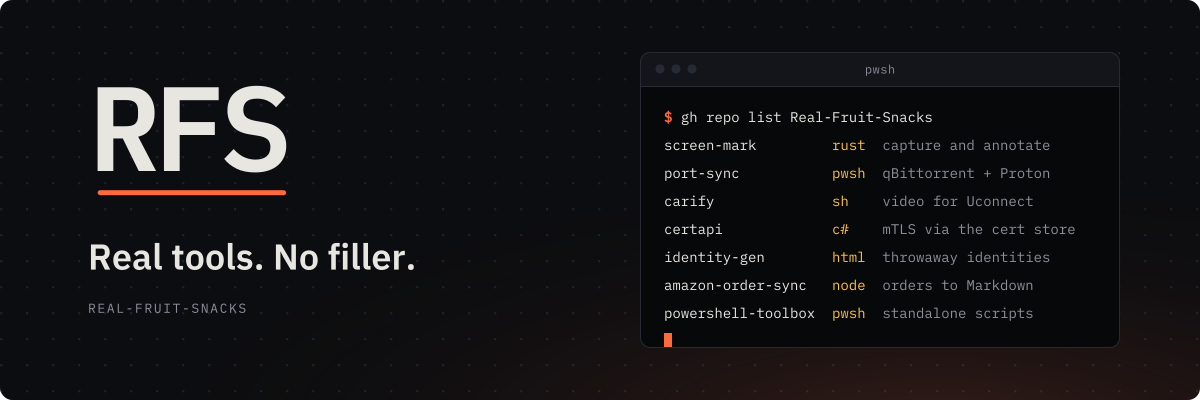
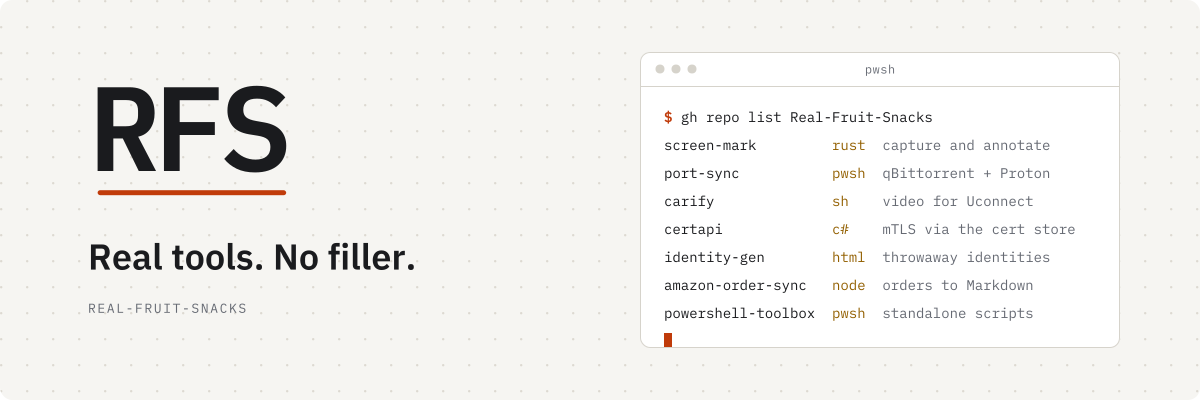
width="100%" and never boxed. assets/rfs-banner-{dark,light}.svg
brand/social/rfs-avatar-dark-1024.png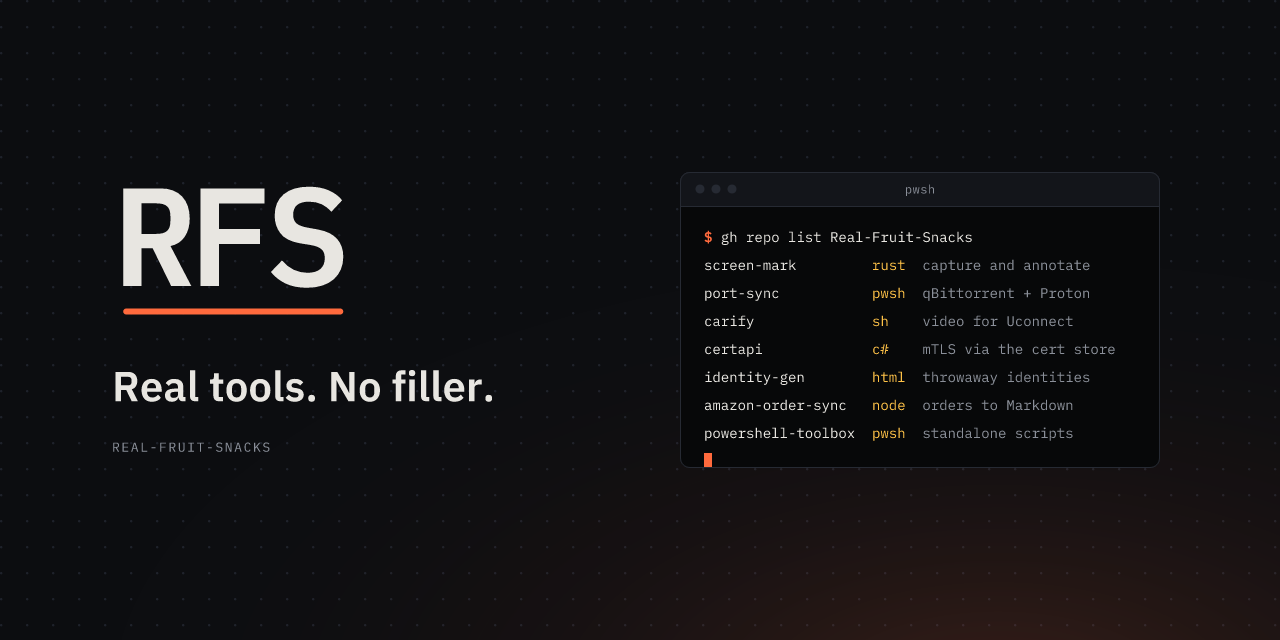
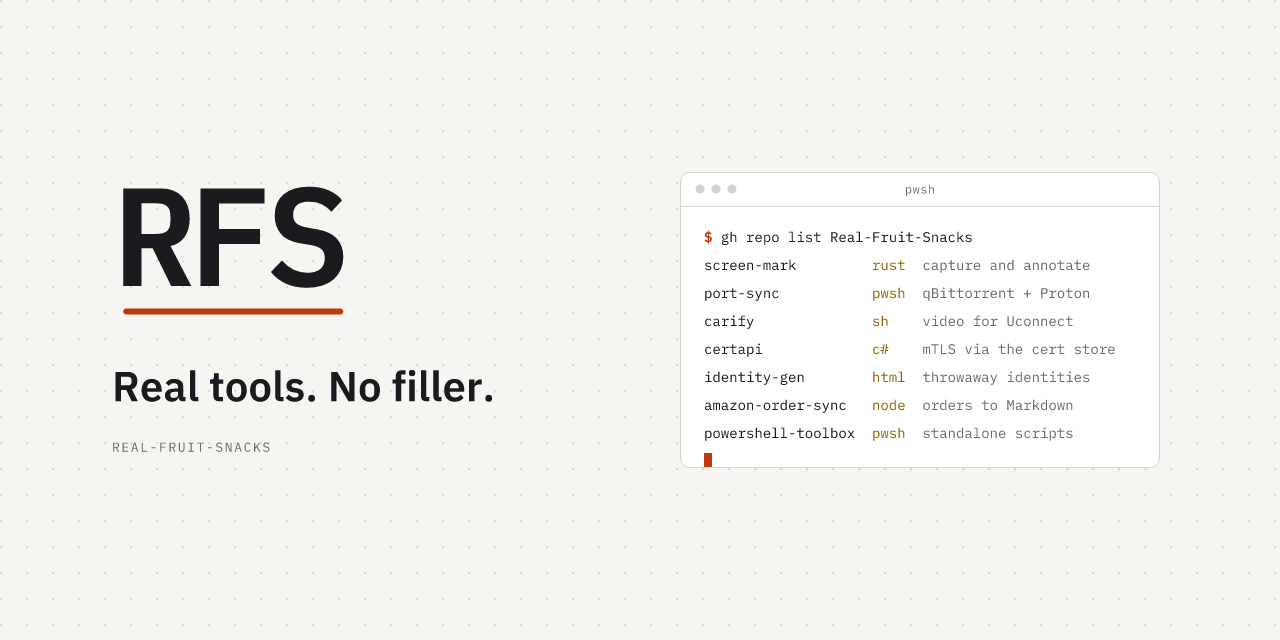
brand/social/rfs-social-org-dark-1280x640.png
brand/social/rfs-header-dark-1500x500.png| Need | File |
|---|---|
| Favicons and icons at 48 px or less | brand/mark/rfs-mark-small-{dark,light}.svg, PNGs at 16, 32 and 48 |
| App icons, larger marks | brand/mark/rfs-mark-dark-*.png. iOS home screen: brand/web/apple-touch-icon.png, full bleed |
| A website | Copy brand/web/* to the site root and paste brand/web/head.html into <head> |
| CSS variables | brand/tokens/rfs.css |
| A README header | None. The README starts with # repo-name; the mark is on the cover (§7) |
| Print, stickers, etching | brand/mark/rfs-mark-mono-{white,ink}.svg |
Repo cover v2
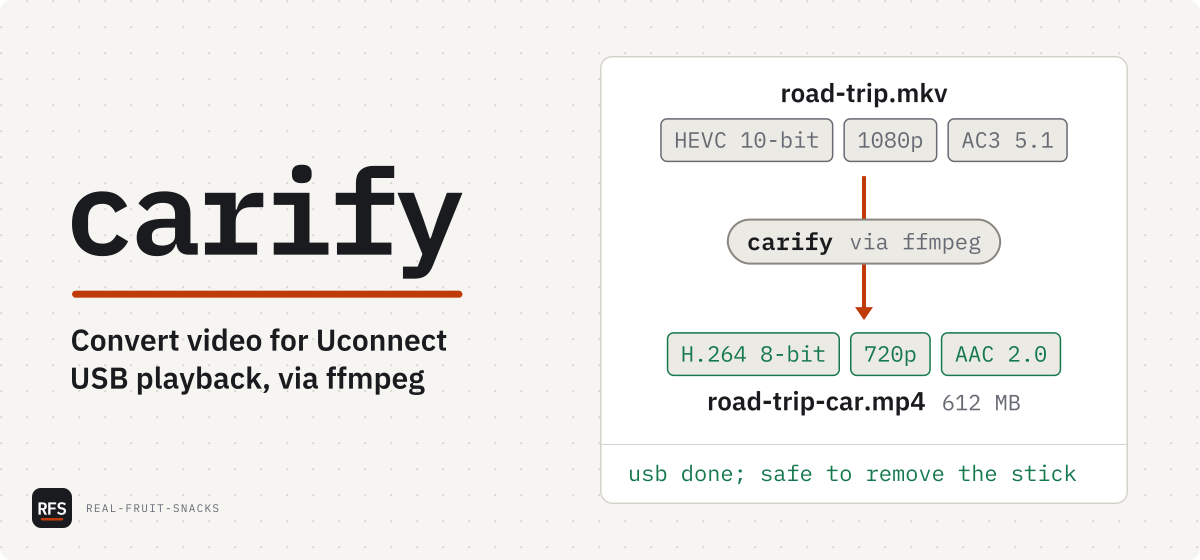
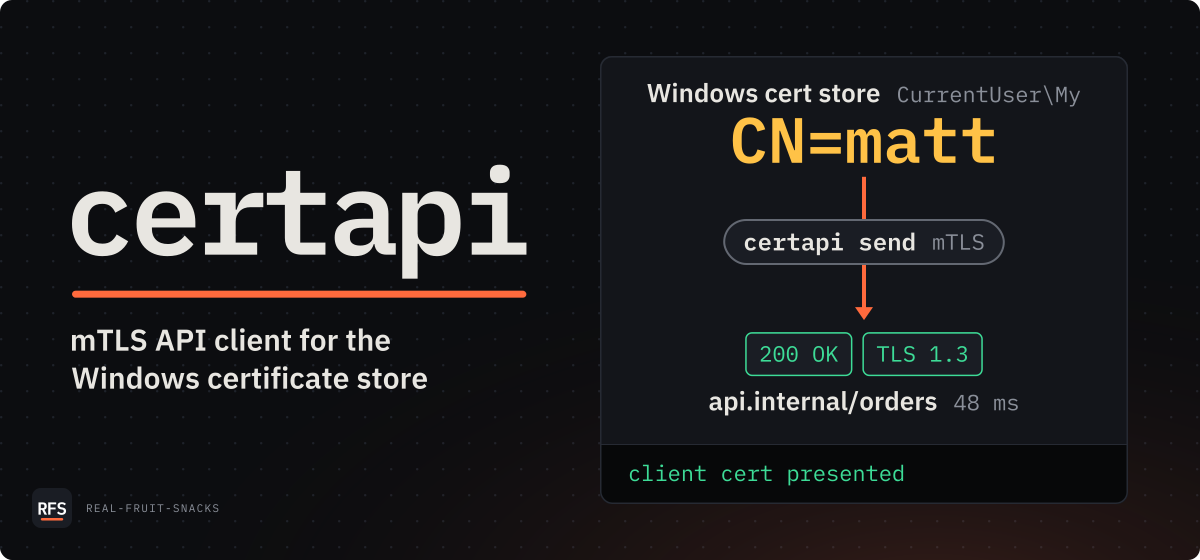
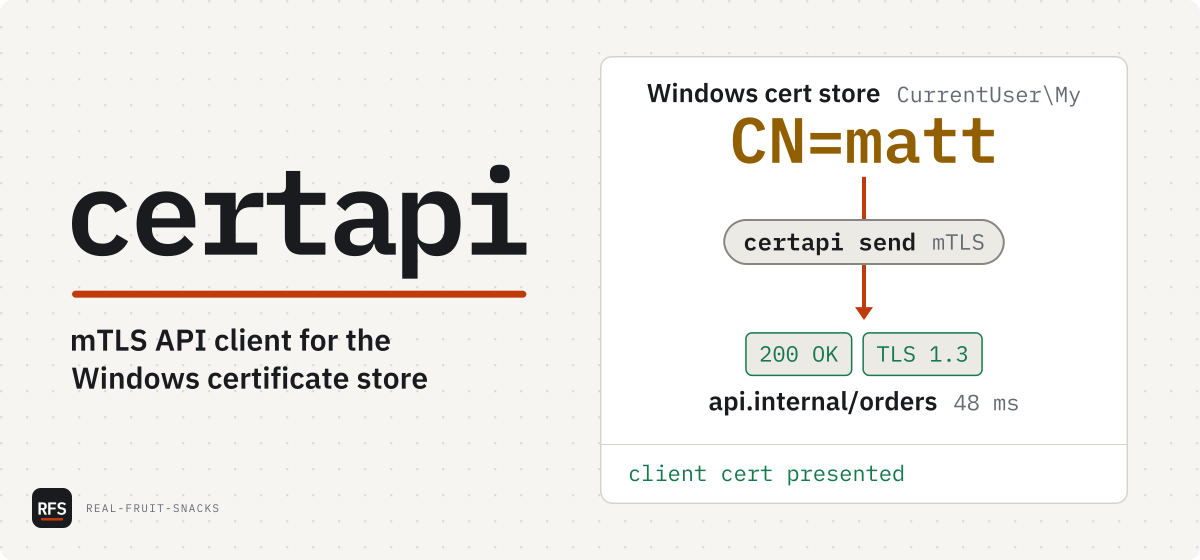
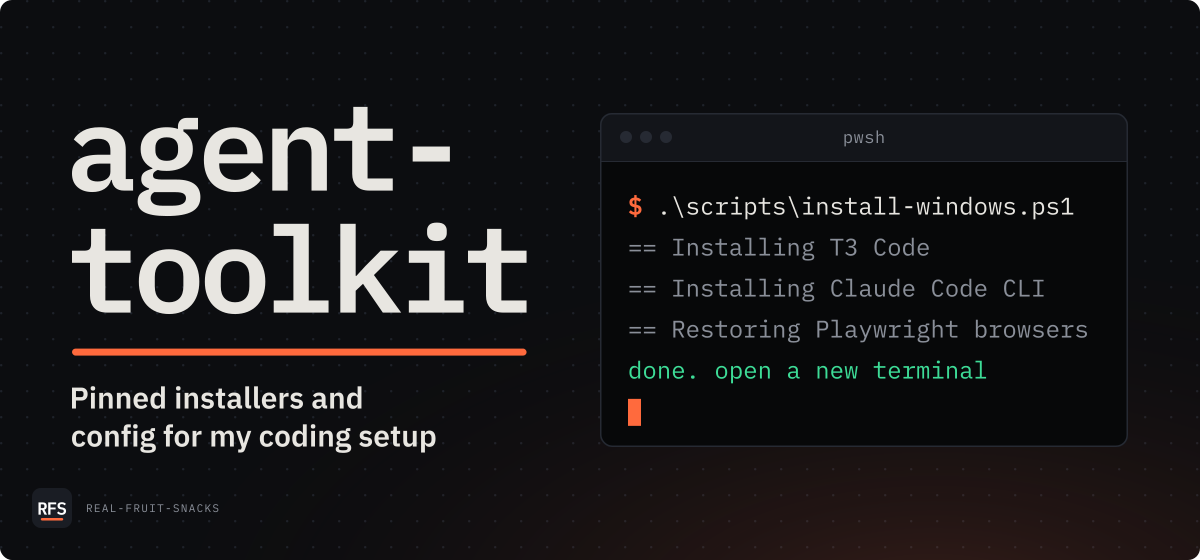
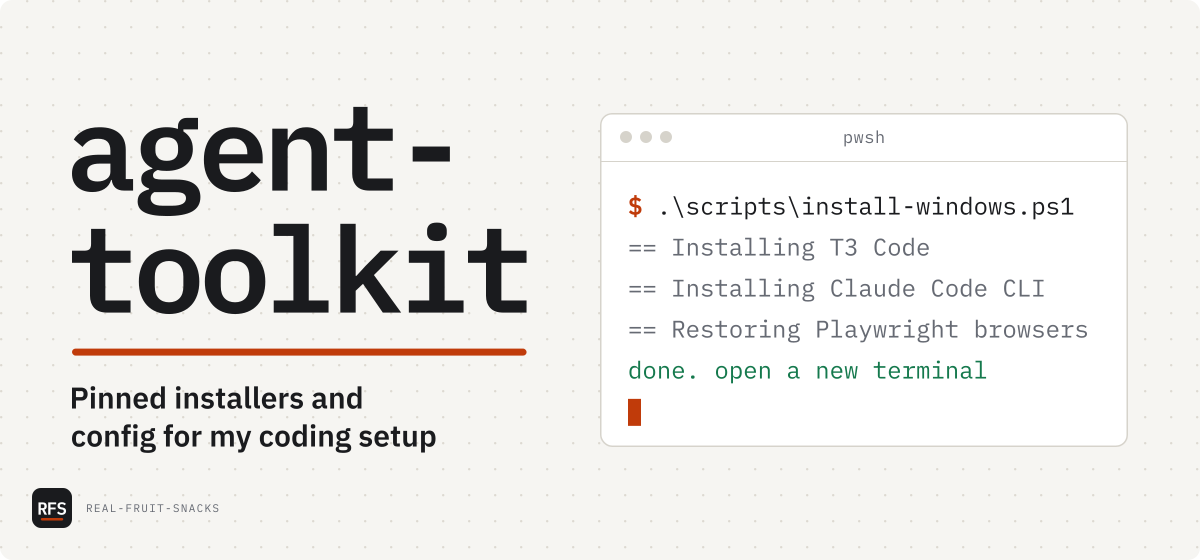
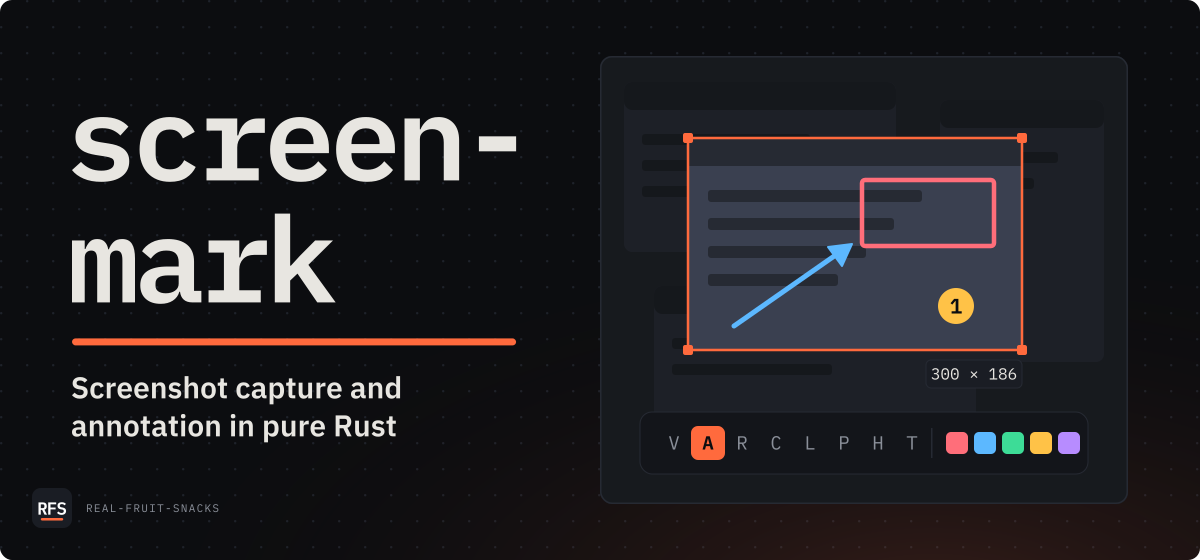
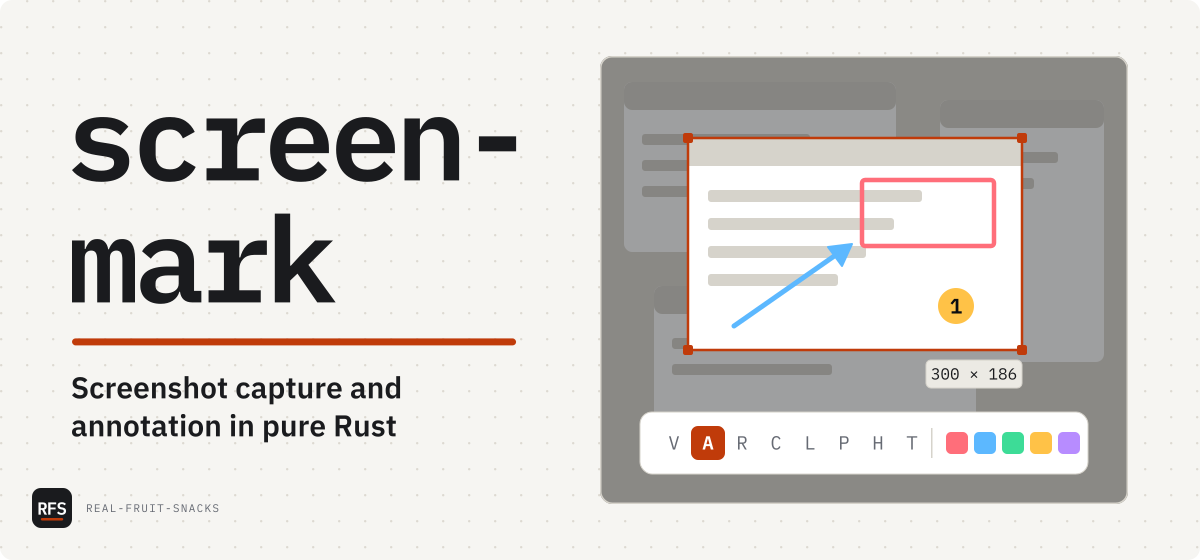
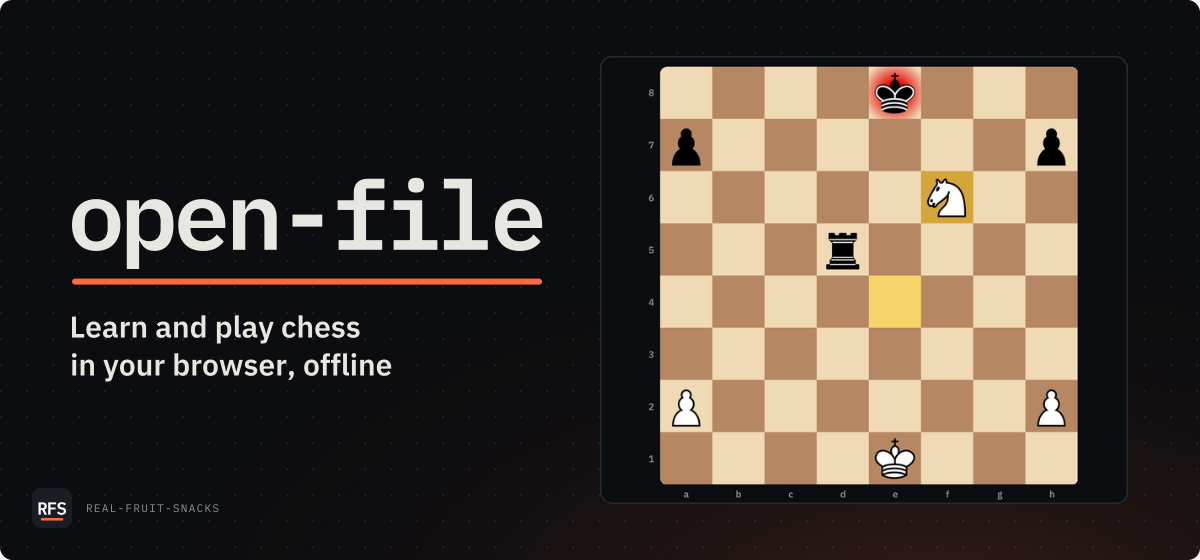
Every tool repo gets one cover: the image under the README one-liner, the docs site's og:image and the GitHub social preview, all from one docs/assets/cover.toml rendered by tools/make-cover.py. Most people see it as a card 400 to 500 px wide, so it's built for that: a big name, one sentence, and one panel that shows what the tool does. Don't draw covers by hand; change the tool and re-run it.
name        = "rfs-brand"
description = "RFS brand, profile art and repo templates"

[panel]
kind = "art"
file = "cover-art.svg"docs/assets/cover.toml. No bullets: they're in the README, and a card can't show them.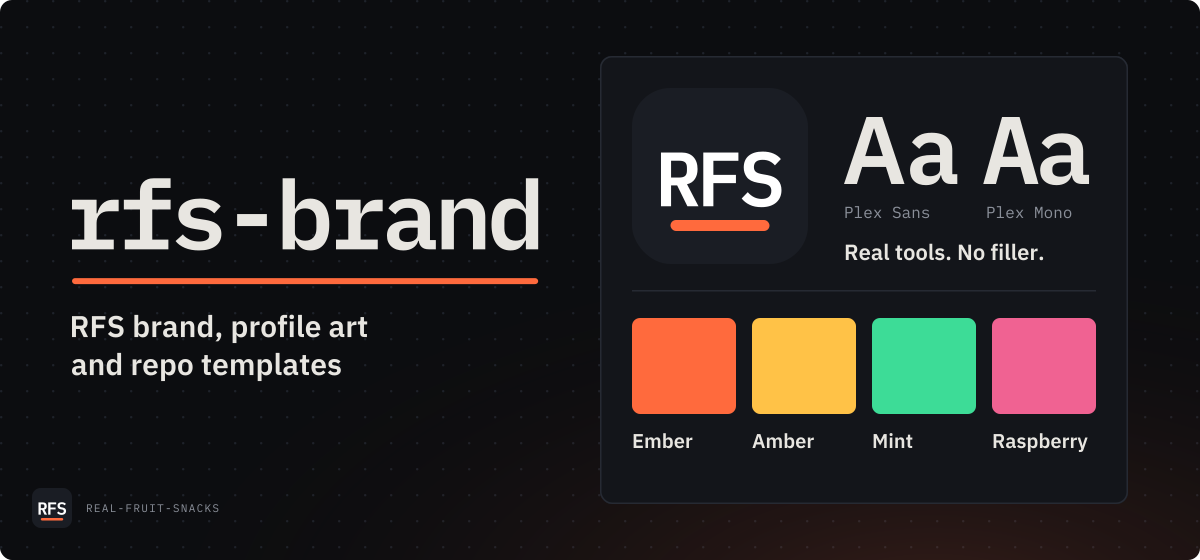
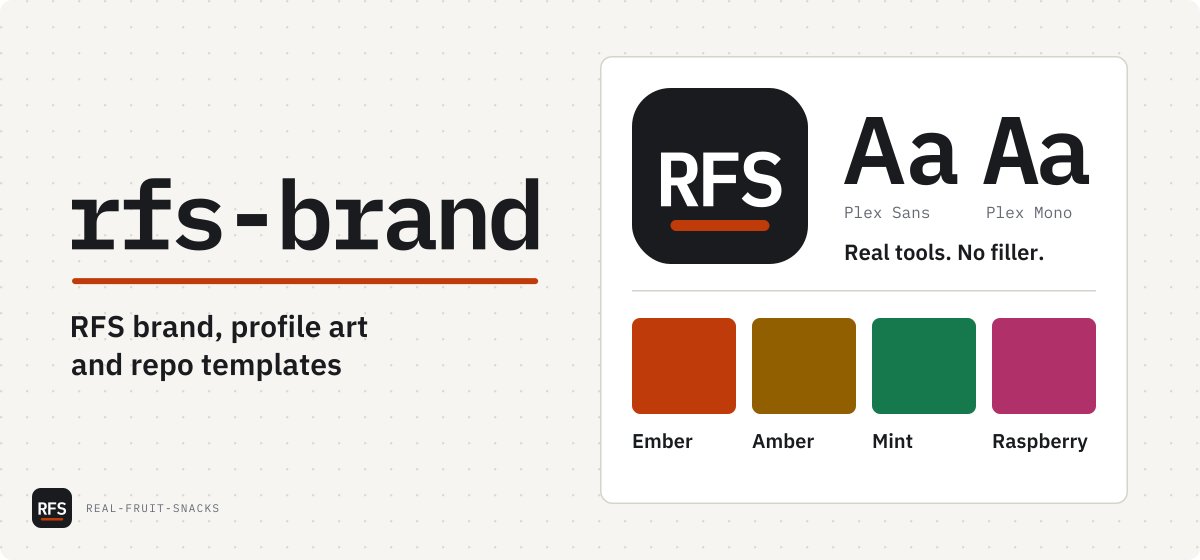
cover-{dark,light}.svg, which move once on load, and .png at 1200 × 560, and social-{dark,light}.png at 1280 × 640
Judged at 400 px
That's this cover at the width of a Slack, Discord or X card, where everything is a third of its size and anything drawn under about 20 px turns into a grey line. make-cover.py --preview shows a cover at 1200, 830 and 400 px in both themes; judge it there, not at 1200. The tool refuses text that won't fit rather than shrinking it.
| Part | Rule |
|---|---|
| Name | Plex Mono 600, as large as the 480 px column allows, up to 120 px. A name that would be under 80 px breaks after a hyphen onto two lines. |
| Rule | Ember, as wide as the name's widest line, below the descenders. It draws in on load. |
| Description | The README one-liner and nothing else: Plex Sans 600 at 30 px, one line or two even ones, no trailing period. |
| Panel | 528 × 448, one of the four kinds below. Values come from a real run or the README's examples, never invented. |
| Motion | Once, on load, §8's motions only, 3.5 s at most. An <img> may ignore reduced motion, so nothing flashes, loops or moves larger than a line, and the still frame is the finished cover. |
| Org | The RFS tile and REAL-FRUIT-SNACKS in the bottom-left corner. |
Four panel kinds
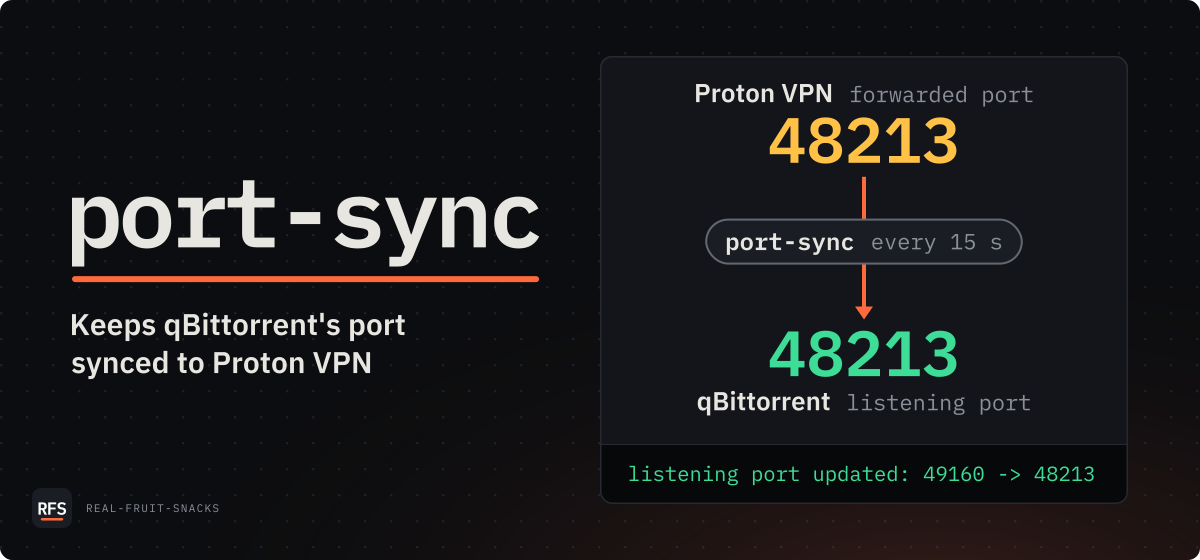
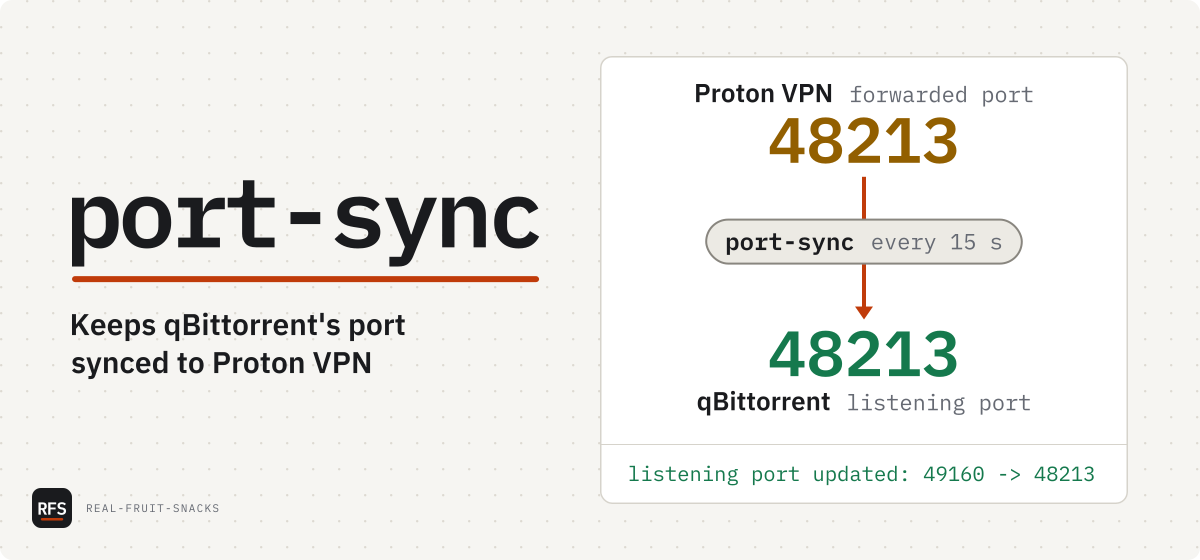
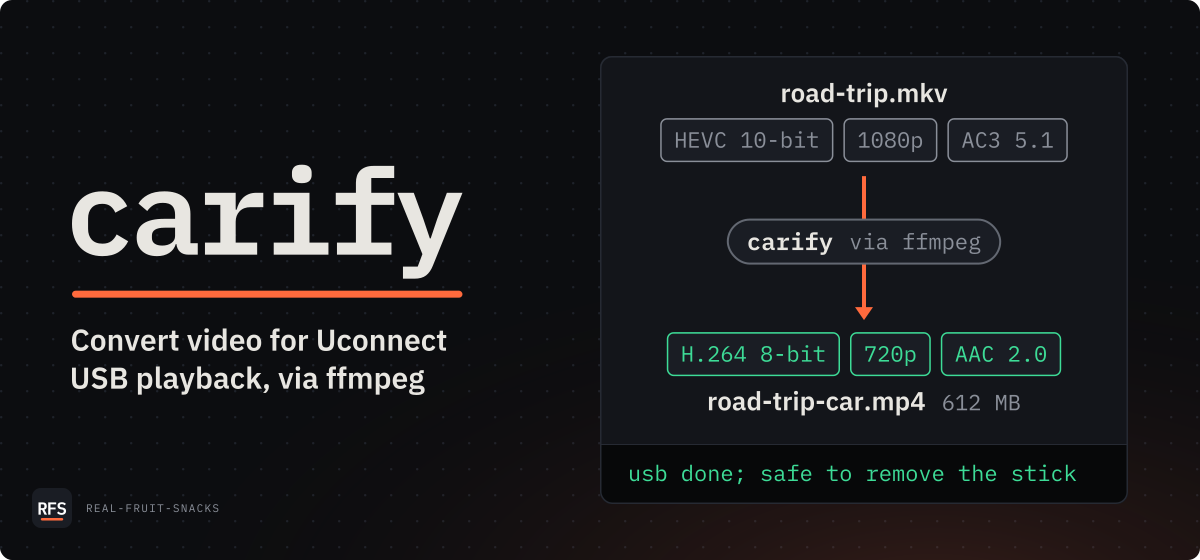
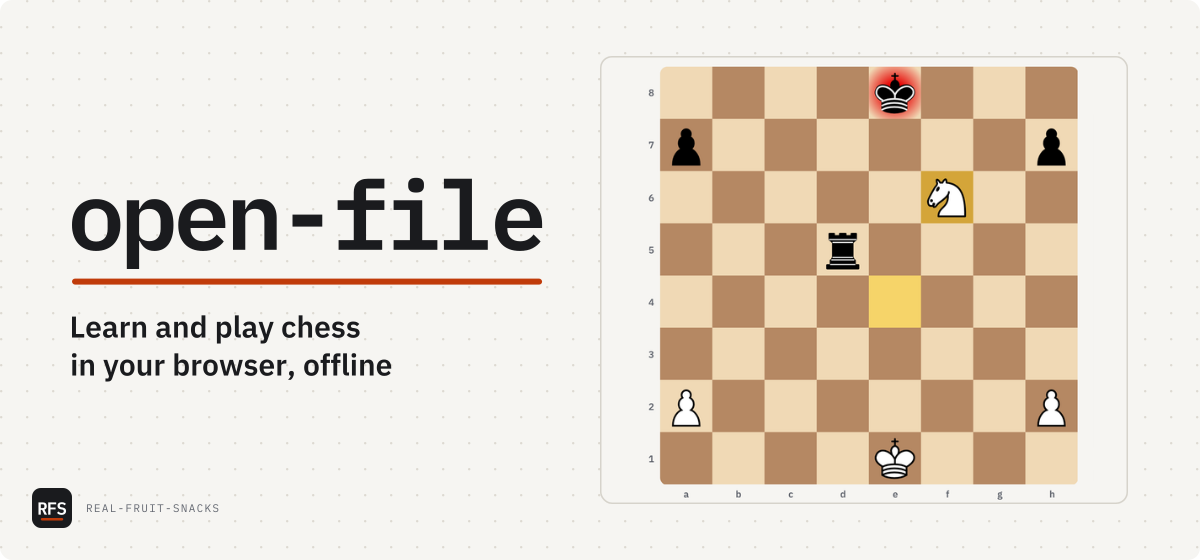
Flow for a tool that turns one thing into another: input, the tool on an Ember connector, output. Terminal for a command: six lines at most, and it types. Art when the tool has a UI and draws itself. Screenshot when the UI is too detailed to draw, cropped to what still reads.
# from the folder that holds both clones
python3 rfs-brand/tools/make-cover.py my-repo/docs/assets/cover.toml   # cover + social preview
python3 rfs-brand/tools/make-cover.py my-repo/docs/assets/cover.toml --preview preview.png   # at 1200, 830, 400
python3 rfs-brand/tools/make-org-art.py                                # profile banner, org card, X header
python3 rfs-brand/tools/make-avatar.py                                 # profile picture

# once
pip install fonttools resvg-py pillowMotion new in 1.2.0
Motion brings the brand's own parts to life; it never decorates. Both themes move the same way, and only Nightshift glows. There are four motions, and this page moves in those four ways and no others.
--rfs-ease cubic-bezier(.2, .7, .2, 1). Everything. Fast start, soft landing.--rfs-dur-fast150ms- Hover, press, focus.
--rfs-dur-base250ms- State changes: toggles, menus, copy confirmations.
--rfs-dur-slow600ms- Entrances and the theme switch.
--rfs-type-rate45ms- per characterA terminal typing its command.
Reduced motion is on, so each specimen below is its finished still frame. That's the rule working.
The rule draws in
Left to right, under a name or the wordmark. Once, on load.
A terminal types
45 ms a character, then its output a line at a time. The cursor blinks twice, then stays.
$ ./install.sh
ok   carify 1.1.0 installed
The dot grid warms
To Ember around the pointer, in Nightshift, for fine pointers only. Dayshift has no glow.
The theme sweeps in
In a circle from the control that switched it, at 600 ms.
An entrance totals 1.2 s at most and never delays reading the headline. Nothing loops except the cursor's two blinks. Every motion sits inside prefers-reduced-motion: no-preference. No parallax, no scroll-jacking. Repo covers are the one exception: a cover may run to 3.5 s, since its terminal types, and because an <img> can ignore reduced motion, it has to be safe without it (§7).
Terminal and code new in 1.2.0
Terminals on covers, sites and docs use one palette, the same one tools/make-cover.py draws. In cover.toml a line's prefix picks its colour; the prefix isn't drawn, so the words must say what happened.
[panel]
kind  = "terminal"
title = "sh"
lines = [
  "$ ./install.sh",
  "ok carify 1.1.0 installed",
  "! no ffmpeg on PATH",
  "x port 51413 refused",   # x: new in 1.2.0
  "listening on 0.0.0.0:8080",
]code-bg, text for code, mute for comments, Amber for strings, and nothing else. Keywords stay in text.$ ./install.sh ok carify 1.1.0 installed warn no ffmpeg on PATH fail port 51413 refused listening on 0.0.0.0:8080
- prompt Ember, Mono 600; the command after it in
text - success Mint
- warning Amber
- error Raspberry
- other output mute
ok, warn and fail visible. Mint and Raspberry never appear in code, only in output that reports a result.Starting a repo
The README order is fixed: one-liner, install, context, what's in it, tested on, known issues, configuration, license.
- Copy
templates/repo/README.md, fill it in and delete the HTML comments. - Work through the settings checklist: description, topics, social preview, branch, releases.
- Copy
templates/repo/cover.tomlto the repo'sdocs/assets/, fill it in and runmake-cover.py. Commit thecover-*files and uploadsocial-dark.pngas the social preview.